After almost a year of development, OpenAI released ChatGPT for Teens in August. The company is touting the experience as an educational tool with stricter content controls and features designed to promote healthier AI habits among young people. OpenAI says it automatically enrolls users it believes are under the age of 18 into ChatGPT for Teens.
However, as with most tech platforms, child safety experts believe the mode's default restrictions don't go far enough to ensure young people have a safe and productive time using ChatGPT. From a pedagogical standpoint, many of the mode's most important features require parents to link their ChatGPT accounts with their child's account and toggle them on or off.
To apply parental controls to your child's ChatGPT experience, you need to link your accounts together. Open the Settings menu from your profile page, select Parental controls, and tap or click Add family member. Under Invite by, select Email or Phone, enter your teen's email address or phone number, and under This person is, select My child. Click or tap Send. After you select send, your teen will receive an email or text inviting them to link their account.
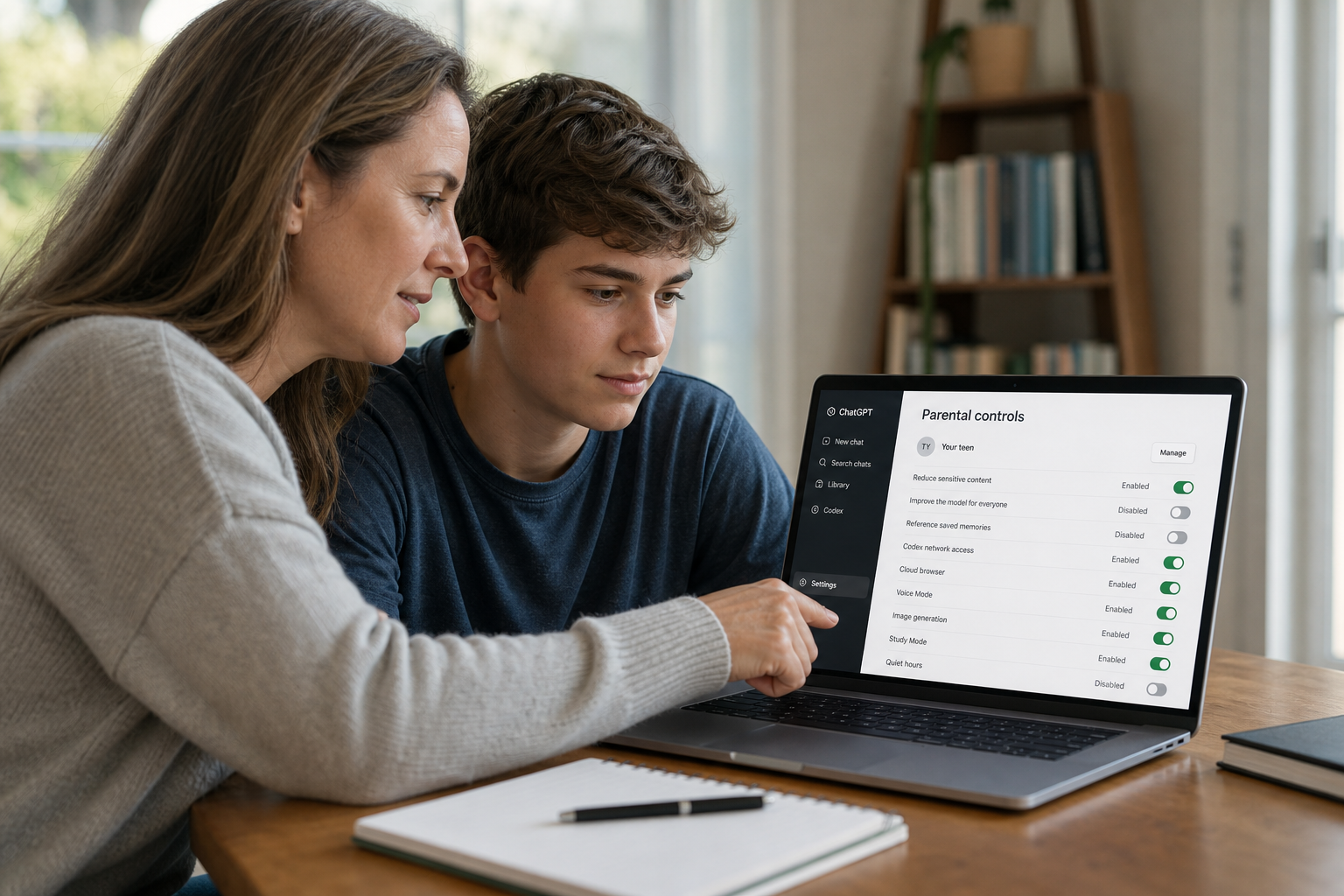
Once your account is linked with your teen's, you'll see close to a dozen options before you. These include Reduce sensitive content, Improve the model for everyone, Reference saved memories, Codex network access, Cloud browser, Voice Mode, Image generation, Study Mode, and Quiet hours. By default, some of these options are enabled, while others are disabled.
Linking your ChatGPT account to your child's account is also necessary if you want to receive safety notifications. These will trigger if your child discusses harming themselves or others with ChatGPT. According to OpenAI, a safety notification may include a brief description of what the safety concern is or details about an account deactivation, should ChatGPT's automatic safeguards kick in.
If you're unsure how to configure ChatGPT for your teen, consider disabling Reference saved memories and Improve the model for everyone. You should also ask yourself how you want your child using ChatGPT - strictly as an educational tool or with more freedom. ChatGPT for Teens includes smart homework reminders, which are designed to nudge a teen to use Study Mode when the system detects they're trying to get ChatGPT to do their homework.
Este artículo fue escrito con la asistencia de IA.
News Factory APP - noticias agénticas para impulsar tu SEO y AEO.