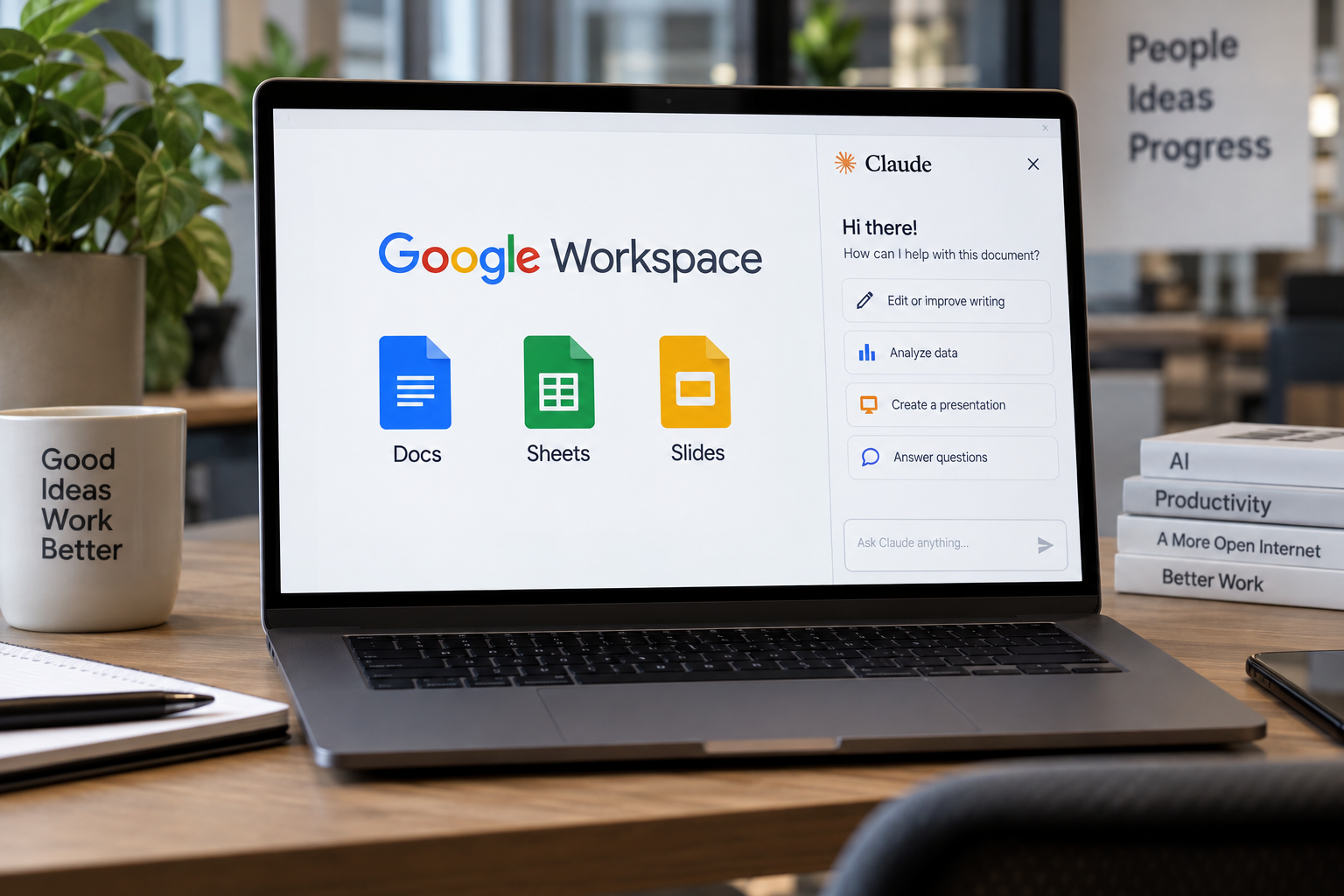
Claude can now work directly inside Google Docs, Sheets and Slides. The add-on, Claude for Google Workspace, is in public beta on all paid Claude plans, and it puts the assistant in a sidebar beside whatever file a user has open. The company says the setup means no more toggling between apps or browser tabs.
Can Claude edit Google Docs, Sheets and Slides directly?
Claude can read the document, spreadsheet or deck, see which text, cells or slides a user has selected, and make changes directly in the file. In Docs, it can fix a sentence or restyle a heading without disturbing the surrounding formatting. For larger rewrites, it proposes edits as suggestion cards. Each card highlights the passage it would change, and the user can apply or dismiss it. One example in the announcement: a user asks Claude to tighten the executive summary of a product requirements document and turn the next steps into a table. Claude does both in the doc.
In Sheets, Claude can write formulas, build pivot tables and native Sheets charts, and add new tabs. For joins or data cleaning, it can pull a range into Python and write the results back into the sheet. Users can even start from an empty sheet. The announcement describes attaching source files and asking for a Q3 budget versus actuals report, with a tab for each team and a summary chart. Claude can also flag any line items that run over budget.
In Slides, Claude can build new slides using the deck’s existing layouts and themes so they match the rest of the presentation. It then checks its own work, flagging elements that overlap or run off the slide, along with text that is hard to read.
Does Claude make changes without asking first?
Users control how much Claude does without checking in. In the default “Ask before edits” mode, every change appears as an approval card with a summary, and Claude waits for sign-off before making the edit. In “Accept all edits” mode, Claude works through the task and applies changes without stopping.
When users sign in with their Claude account, the sidebar offers the same models, connectors and skills available in Claude itself. The company gives an example of a quarterly business review deck for a customer. Claude can pull account history from Salesforce and recent call notes through a Google Drive connector. If a team saves that QBR format as a skill, members can build future decks using the same format and steps. On Enterprise plans, controls including the Compliance API, customer-managed encryption keys and OpenTelemetry audit export also apply to the add-on.
A separate set of Google Docs, Sheets and Slides connectors, also in beta, lets users start in Claude and have it create or edit Google files from the chat. A user can paste a Google file link or ask for a new doc, sheet or deck. On supported setups, the file opens in a pane beside the conversation. The company says starting from Claude makes the most sense when a user needs a new file or the work spans several files. Claude’s access follows existing Google sharing permissions.
How do I install Claude for Google Workspace?
To install the add-on, users get it from the Google Workspace Marketplace, then open a file and go to Extensions, Claude, Open Claude. Google Admin console administrators can deploy it to an entire domain or to selected groups. The Claude Help Center has a setup guide. To edit Google files from Claude, users need to turn on the Docs, Sheets and Slides connectors. On Team and Enterprise plans, an owner or primary owner must enable the connectors first.
Este artigo foi escrito com a assistência de IA.
News Factory APP - notícias agênticas para impulsionar seu SEO e AEO.