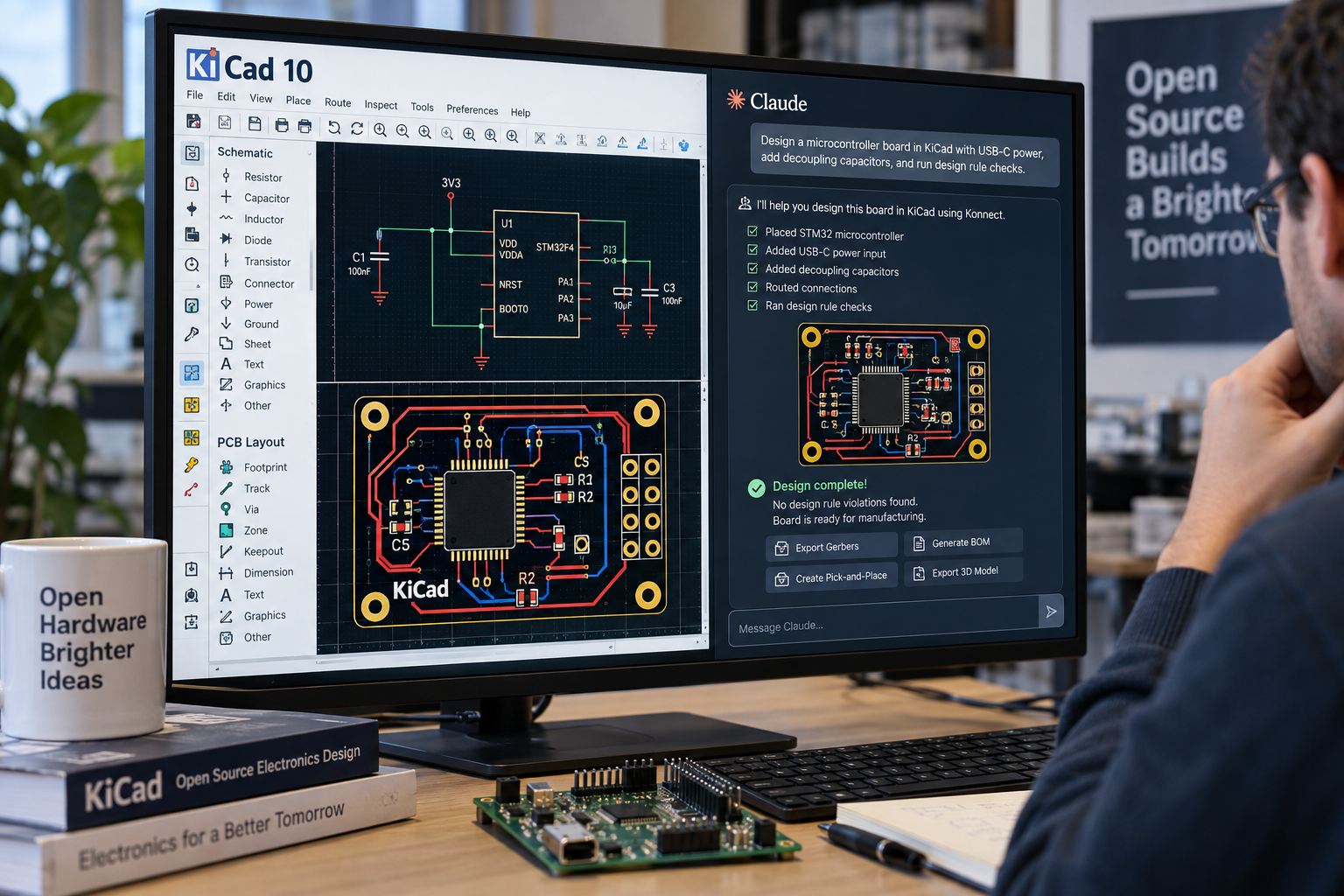
An open-source plugin now lets AI assistants such as Claude design electronics inside KiCad 10, the open-source software used to draw schematics and lay out circuit boards. The plugin, called Konnect, entered beta this week and connects AI models to KiCad through the Model Context Protocol, or MCP. It gives the assistant 228 tools covering schematic capture, board layout, design checks and production files.
Instead of describing changes and asking a human to apply them, the AI works on the project directly. It can place and wire components by pin name, move and route footprints on the board in real time and run electrical and design rule checks. It can also audit decoupling and power rails, review a bill of materials and export Gerbers, drill files, pick-and-place data, 3D models and PDFs. A JLCPCB parts search draws on a local catalog of 2.5 million parts and can suggest alternatives for components that are out of stock. Reference circuits for USB-C, LDO regulators, buck converters, STM32 microcontrollers, I2C and LEDs give the AI a starting point with verified component values.
Konnect is the successor to KiCAD-MCP-Server, a Python and TypeScript project that the developers say showed AI-driven board design could work. That earlier design also exposed problems the new version was built to fix. A single tool call in the original passed through TypeScript, a spawned Python subprocess, a command router and SWIG-generated C++ proxy objects before reaching the board. Each handoff added its own failure points. The original also depended on KiCad's SWIG Python bindings, which KiCad is deprecating in favor of its IPC API.
Konnect was rewritten to avoid those layers. It ships as a single static binary of 20 to 25 megabytes, with a download of about 9 megabytes, and nothing else needs to be installed alongside it. Konnect talks to KiCad 10 through the official IPC API, and its board edits integrate with KiCad's own undo and redo. Schematic files are edited through the project's own S-expression engine, which uses atomic writes to reduce the risk of corruption.
Context size is another concern the developers addressed. Exposing all 228 tools to a language model costs roughly 23,000 tokens on every listing. Konnect's router loads a starter kit of about 2,000 tokens and lets the model pull in toolsets as needed. It also includes observability tools, such as a recent-calls log and server statistics, so the model can diagnose its own tool failures.
The developers are direct about the release's maturity. Konnect is labeled beta, and while the core toolchain has been tested, the project says it needs real-world use and review. Windows is the most-tested platform. macOS builds work from the release binaries or a source build, although the schematic viewer has had less testing there. Linux compiles and passes tests in continuous integration but has not yet had per-platform quality assurance. All three are listed on the project's roadmap. KiCad 10 is required.
Autorouting remains limited. The first supported profile preserves fixed straight tracks and through vias. Unlocked routing, arcs, zones and unsupported geometry are rejected before any change is made to the board.
A companion product, Nimrod, is a web-research MCP server. It provides quality-scored Google search, clean webpage extraction and multi-source research, so the assistant can check live parts availability, datasheets and errata rather than relying on older training data. Each search costs one credit, extraction is free and new users receive a 50-credit trial without a card. Nimrod is listed in the Official MCP Registry as ai.orchis/nimrod and works with claude.ai, Claude Desktop, Claude Code, VS Code and other MCP clients.
Konnect is licensed under the GNU AGPL-3.0. Hobbyists, students, freelancers and open-source projects can use it freely. Businesses that build on or around Konnect, including software provided over a network, must release that work under the same license unless they obtain a commercial license. The original Python and TypeScript project remains open under the MIT license and is still maintained.
To install the KiCad plugin, users download the package for their operating system from the project's Releases page, open KiCad 10, choose Plugin and Content Manager, click Install from File, select the zip and restart KiCad. The plugin should then appear under Tools and External Plugins in the PCB Editor.
Este artigo foi escrito com a assistência de IA.
News Factory APP - notícias agênticas para impulsionar seu SEO e AEO.