Can Gemini users edit Google Docs and Sheets in chat?
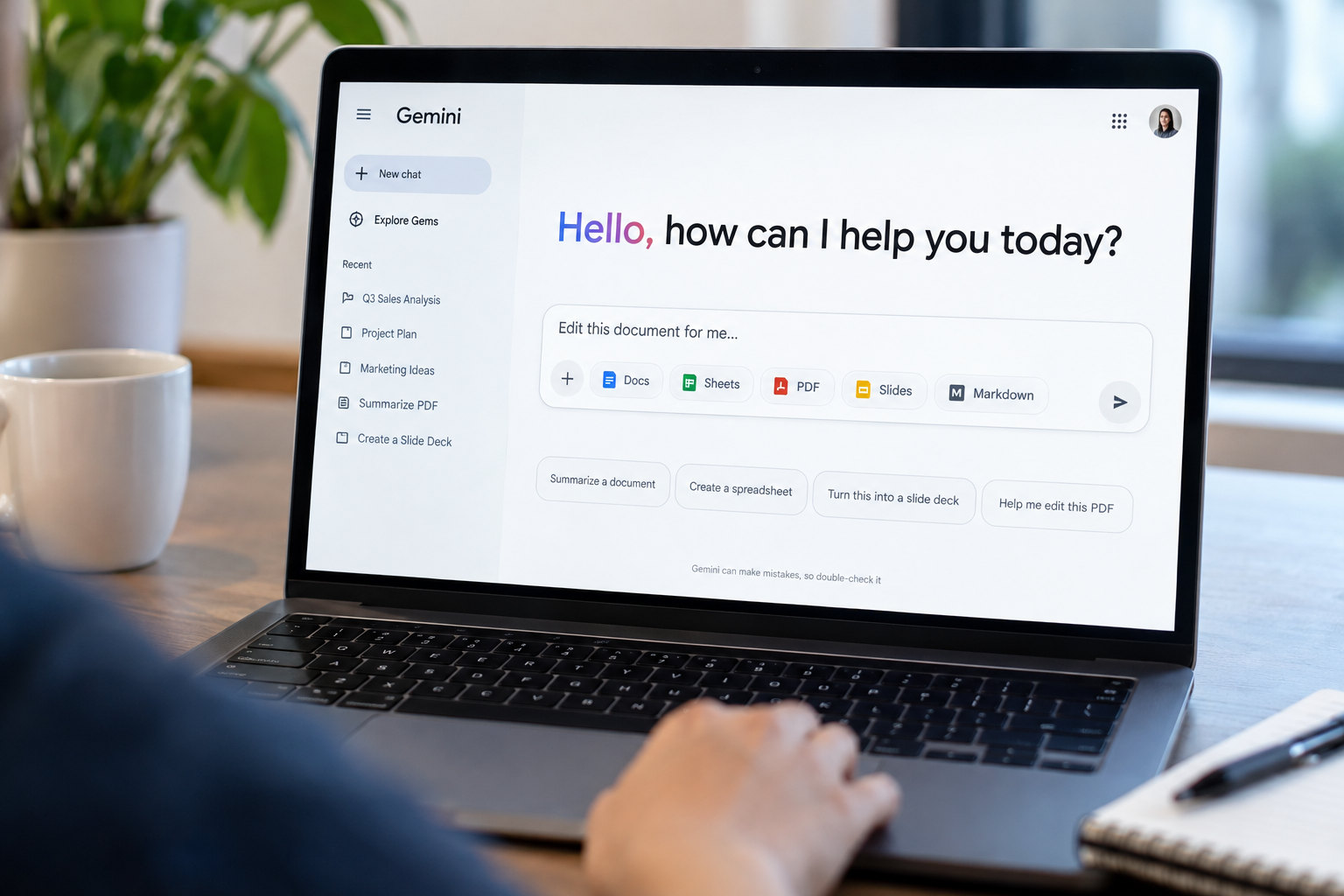
Google is letting people edit files directly inside its Gemini chatbot, a step that keeps users from having to switch to another app to make changes. The new capabilities let Gemini users generate, preview and edit PDFs, Google Docs, Google Sheets, slide decks, Markdown files, TXT files and code. The features are available to all Gemini users.
Which file formats can you edit in Gemini?
Not every format works everywhere yet. PDF previews and editing run on both the web and mobile. All other file types are only available in the web version for now.
The update builds on a feature Google added earlier this year that allowed Gemini to generate and download files. Users can now tweak those files in the app. Documents can be expanded to full-screen mode for editing, according to Google.
How does editing with highlighting work in Gemini?
The editing process works through highlighting. Users can select text inside a file and ask Gemini questions about it, or prompt the chatbot to change it. Google's example involves highlighting a table and asking Gemini to turn it into a graph.
Gemini already offered some editing ability through Google's Workspace apps. The Gemini bar in Google Docs is one example. The new feature extends that capability into the standalone chatbot.
The move also puts Google in direct competition with Anthropic, which earlier this year launched a feature that lets users generate and edit documents and presentations in Claude chats.
Este artigo foi escrito com a assistência de IA.
News Factory APP - notícias agênticas para impulsionar seu SEO e AEO.