How to Add SpaceXAI's Grok to Google Docs, Sheets and Slides
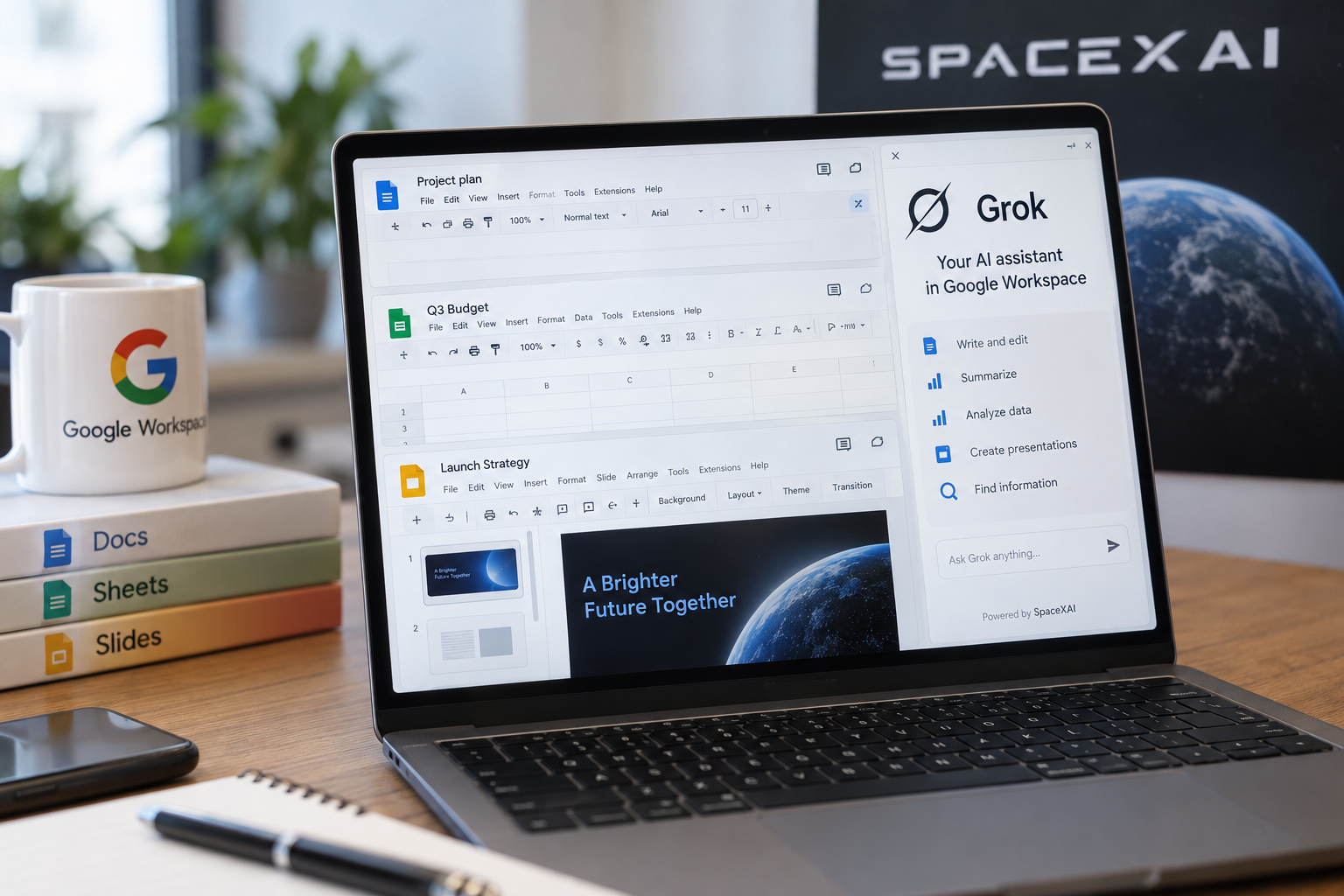
SpaceXAI has released a free Grok add-on for Google Workspace that puts Elon Musk's chatbot in a side panel inside Google Docs, Sheets and Slides. Users install it once from the Google Workspace Marketplace, but the add-on asks for broad access to Docs and Slides files and sends what it reads to SpaceXAI. Grok can draft documents, build slide decks and answer questions about spreadsheets, with each change logged as a visible edit. Google's built-in Gemini remains the default option for many users, and it carries a cost. Grok is free, which makes it the simplest no-cost way to add an AI assistant to Workspace, though users have to weigh the permissions it requests. Read more